Custom mpv with hw accel with vaapi + vogpu + crostini on chromeOS
Introduction
You can watch videos on ChromeOS with the inbuilt player. But if you are like me and use Debian (crostini), then having a dedicated media player to watch the content makes more sense.
mpv is an amazing media player with so many customization options. I have used it previously on MicroSLOP Windows 10 and was wondering if I can set up mpv with hardware acceleration on chromeOS.
Without the hardware acceleration the playback is super stuttery and audio/video is desynced. In this post, I discuss how to set up the config for mpv to enable smoother playback.
Prerequisites
- Chromebook with crostini support, You can enable it by launching Chrome browser, navigate to
chrome://flags/#crostini-gpu-support, enable the flag and restart the system. - Check if the hw is detected using
glxinfo -Bandsee “Device: virgl” - Download
mpv, xclip, ffmpegand other dependencies - Clone the mpv-config GitHub repo.
Note: ASUS C423NA doesn’t support av1 encode/decode on my device.
Steps
- Copy the content of the repo to the mpv config folder. On Linux it is stored in
~/.config/mpv/mpv.conf - Edit the file, add the following to it.
~/.config/mpv/mpv.conf
# Enable GPU accel, Read the [official mpv manual](https://mpv.io/manual/stable/#gpu-renderer-options)
vo=gpu
hwdec=vaapi

# NOTE: disable or alter the config parameters as per the hardware.
- Open a video file with mpv and enjoy the smooth playback.
Screenshots
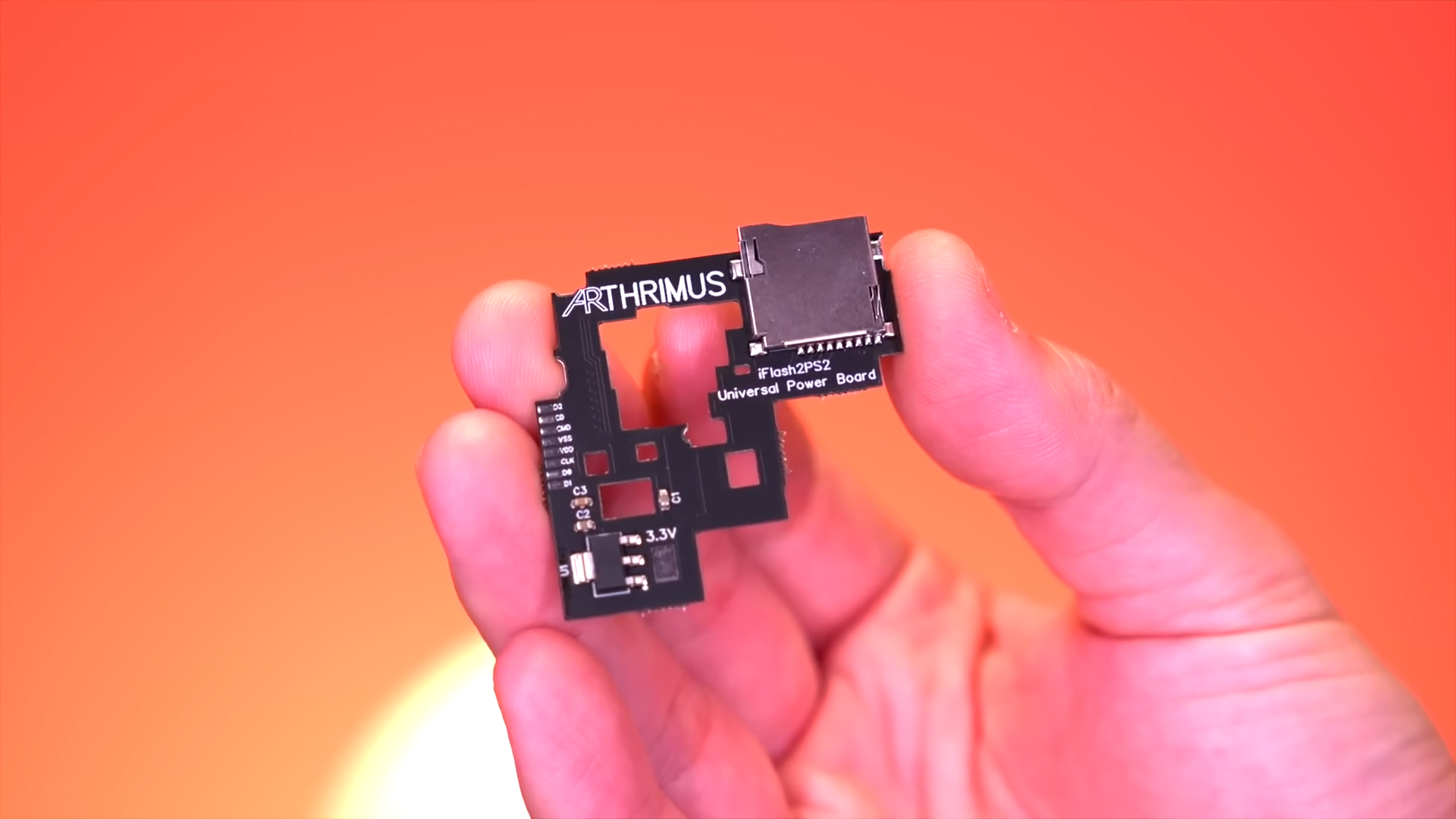
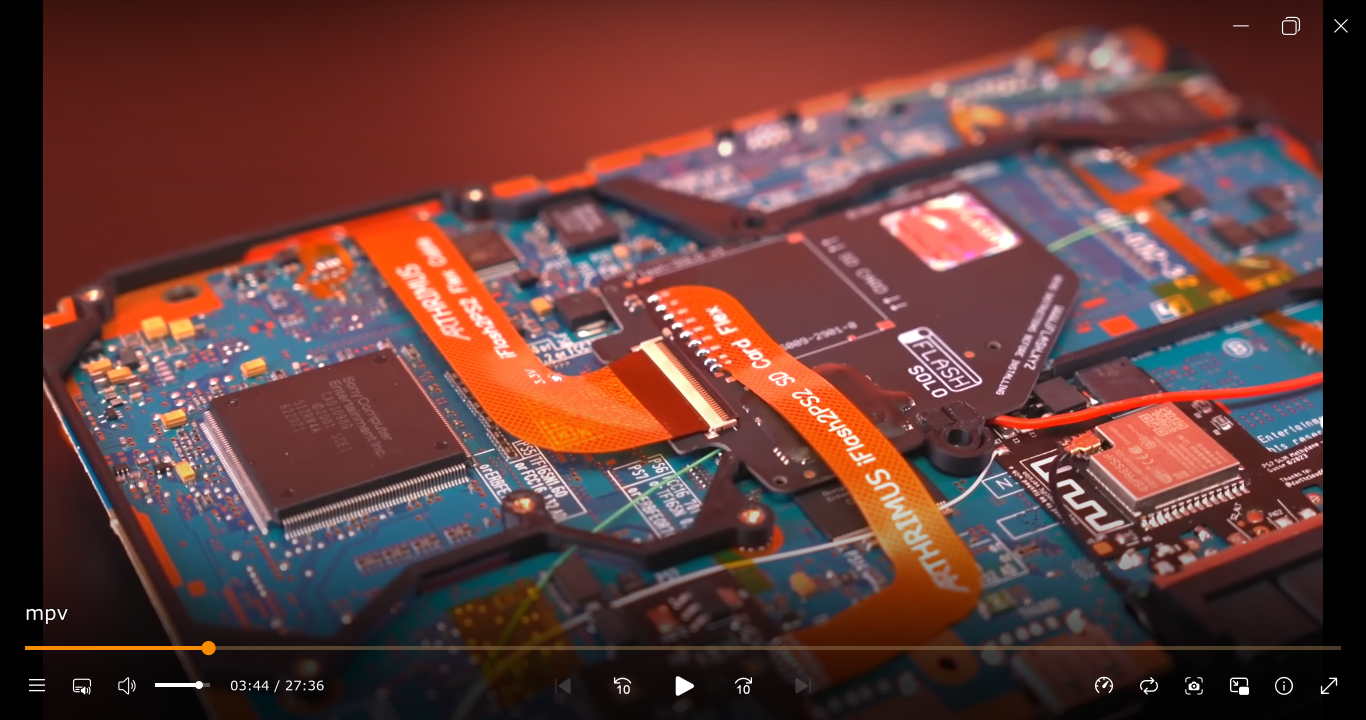
Sources:
- mpv manual
- Arch Linux Wiki
- YouTube video used in the screenshots.